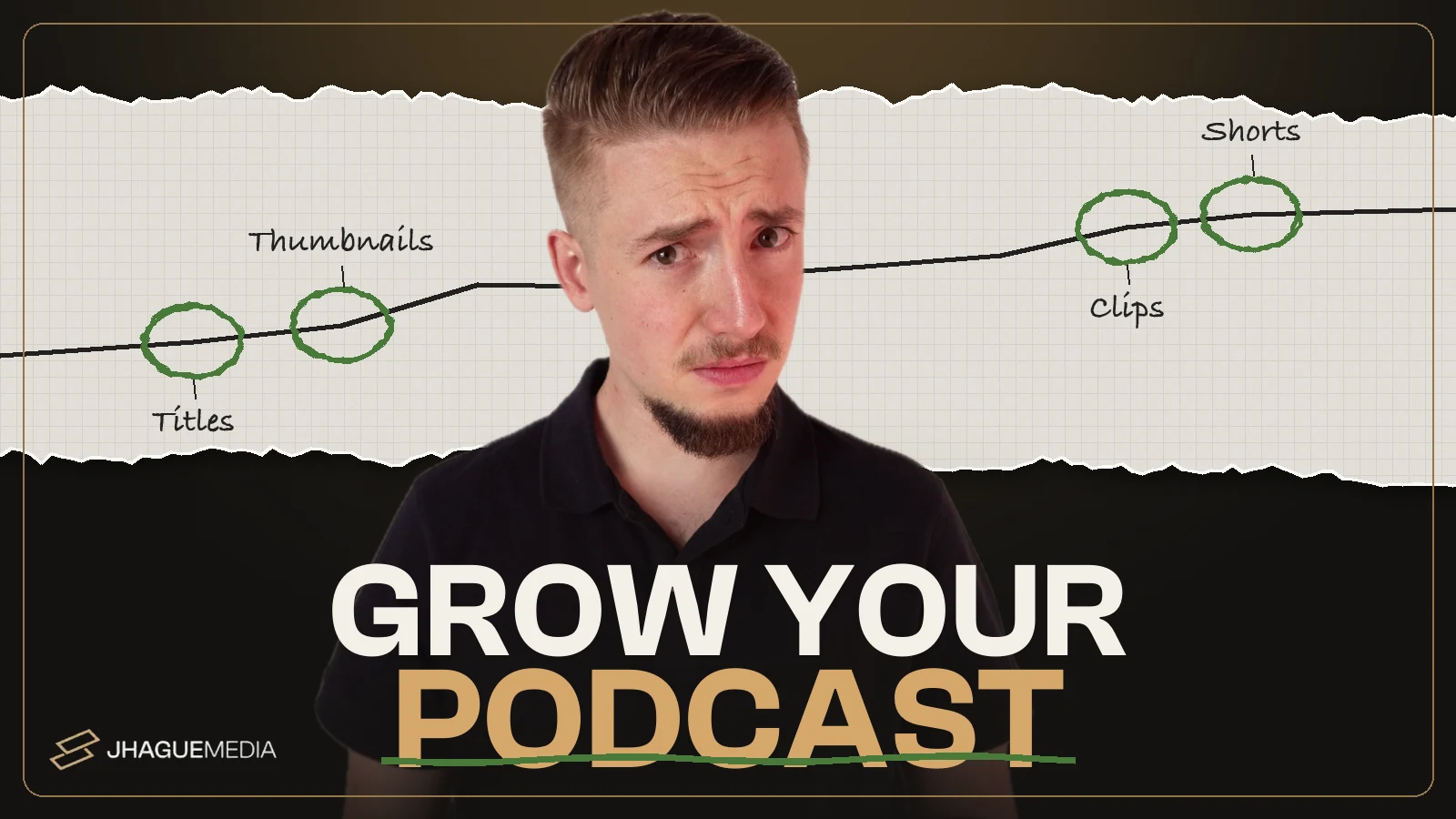
In my opinion, most podcasts on YouTube are basically audio files with a camera pointed at them. The conversations can be really good, but YouTube treats every upload like any other video, and a slow first minute with a logo for a thumbnail doesn't give it much to work with. The good news is that if you want to grow a podcast on YouTube, the fix is mostly packaging and editing, not a new show.
I'll use a real example throughout: The RosterPilot Show, a weekly podcast where Patrick Jones interviews college baseball coaches about recruiting. We took over the edit, thumbnails and Shorts in September 2026.
What changed for one show
Before we started, the show's median long-form episode had 422 views. Our second episode, with Walters State's recruiting coordinator Logan Hullette, reached 2,098 views, about five times that median. YouTube showed its thumbnail 12,000 times, mostly on people's home pages. Our first thumbnail had a 6.3% click-through rate, against 3.9% on the last one before ours, and between 77% and 86% of the views on our episodes came from YouTube recommending them, up from 54% before.
Same host, same kind of guests, same weekly schedule. What changed was how each episode was titled, packaged, opened and clipped. The full story is in our RosterPilot case study.
Why YouTube is different from podcast apps
Podcast apps mostly serve people who already follow you. YouTube is a recommendation engine: it can put an episode in front of someone who has never heard of your show because they watched something similar last night. That's the opportunity. The catch is that a stranger decides in a second or two, from a thumbnail and a title, whether your episode is worth an hour of their time.
Title the idea, not the episode
"Episode 416 with Logan Hullette" tells a new viewer nothing. "The D1 Baseball Path Nobody Talks About" tells them exactly what they'll get. Look for the most surprising or useful thing your guest said, the line you'd repeat to a friend, and build the title around it.
- Write it for someone who has never heard of the guest.
- Keep it under about 60 characters so it isn't cut off on phones.
- Save the episode number and guest name for the description.
Thumbnails for conversations
A clean cut-out of the guest, a simple background and three to five words about the topic will beat a show logo almost every time. On the interview channels we design for, that simple formula has produced some of our highest-performing thumbnails. Our thumbnail data article goes into what the best ones had in common, and the click-through rate guide covers the process.
Editing the episode for YouTube
Open with the best moment
Start with a short preview of the strongest part of the conversation, then go into the episode. The slow introduction, the thank-yous and the housekeeping are where most podcast viewers leave.
Cut the stretches nobody would miss
False starts, technical chat and long tangents can go. A podcast on YouTube can absolutely stay long, our RosterPilot viewers watched for seven to ten minutes on average, but every stretch has to earn its place.
Follow the conversation with the cameras
Cut to whoever is speaking, and to reactions when they matter. Clean the audio and keep the levels even between speakers. Bad sound loses viewers faster than plain visuals do.
Add chapters
Chapters let people jump to the part they came for, and Google can show them as key moments in search. Our YouTube optimization guide explains how to write them.
Clips and Shorts
One episode can feed a whole week. Look for moments that stand on their own: a clear question and answer, a checklist, a strong opinion. For RosterPilot we cut Shorts like "How to Get D1 Coaches to Sign You", which leads with the question every recruit is asking so the payoff is clear before the coach says a word.
Timing matters too. We released one Short a week before its full episode, so it built interest in the episode rather than trailing after it. Link every Short to the full episode so the viewers it reaches have somewhere to go. You can see more examples in our podcast portfolio and Shorts portfolio.
Recording for video
- Use at least two angles if you can, a wide shot and one on each speaker. Switching between them keeps a long conversation watchable.
- Light faces from the front and keep the background tidy.
- Record each person on their own microphone. Sound matters more than picture on a podcast.
- If you're recording remotely, record each side locally rather than relying on the call recording.
What to measure
Three numbers in YouTube Analytics tell you most of what you need. Impressions click-through rate tells you whether the packaging is working. Average view duration in the first few minutes tells you whether the opening is working. The share of views from browse and suggested tells you whether YouTube trusts the show enough to recommend it. Compare each episode to your own channel's median, not to someone else's channel.
FAQ
Should I upload full episodes or only clips?
Both. Full episodes serve your regular listeners and rank for the topic; clips and Shorts reach new people and bring them back to the full show.
How long should a podcast episode be on YouTube?
As long as it stays interesting. Length is rarely the problem. Slow stretches are.
Is it worth putting an audio-only podcast on YouTube?
Honestly, I'd say not. Unless you're a Joe Rogan, an audio-only podcast won't get far on YouTube, because YouTube is a video platform. Put audio on Spotify and the podcast apps, and invest in video for YouTube.
How much does podcast editing for YouTube cost?
With us, a podcast episode is $750 for up to 1 hour (+$100 per extra 10-min block), and episode clips are $200 for up to 15 minutes (+$40 per extra minute). Our podcast editing service has the details.
Topics covered: how to grow a podcast on YouTube, video podcast on YouTube, podcast YouTube thumbnails, podcast clips and Shorts, podcast editing for YouTube.